


A Holochain desktop app you can fork today, and the three libraries inside it
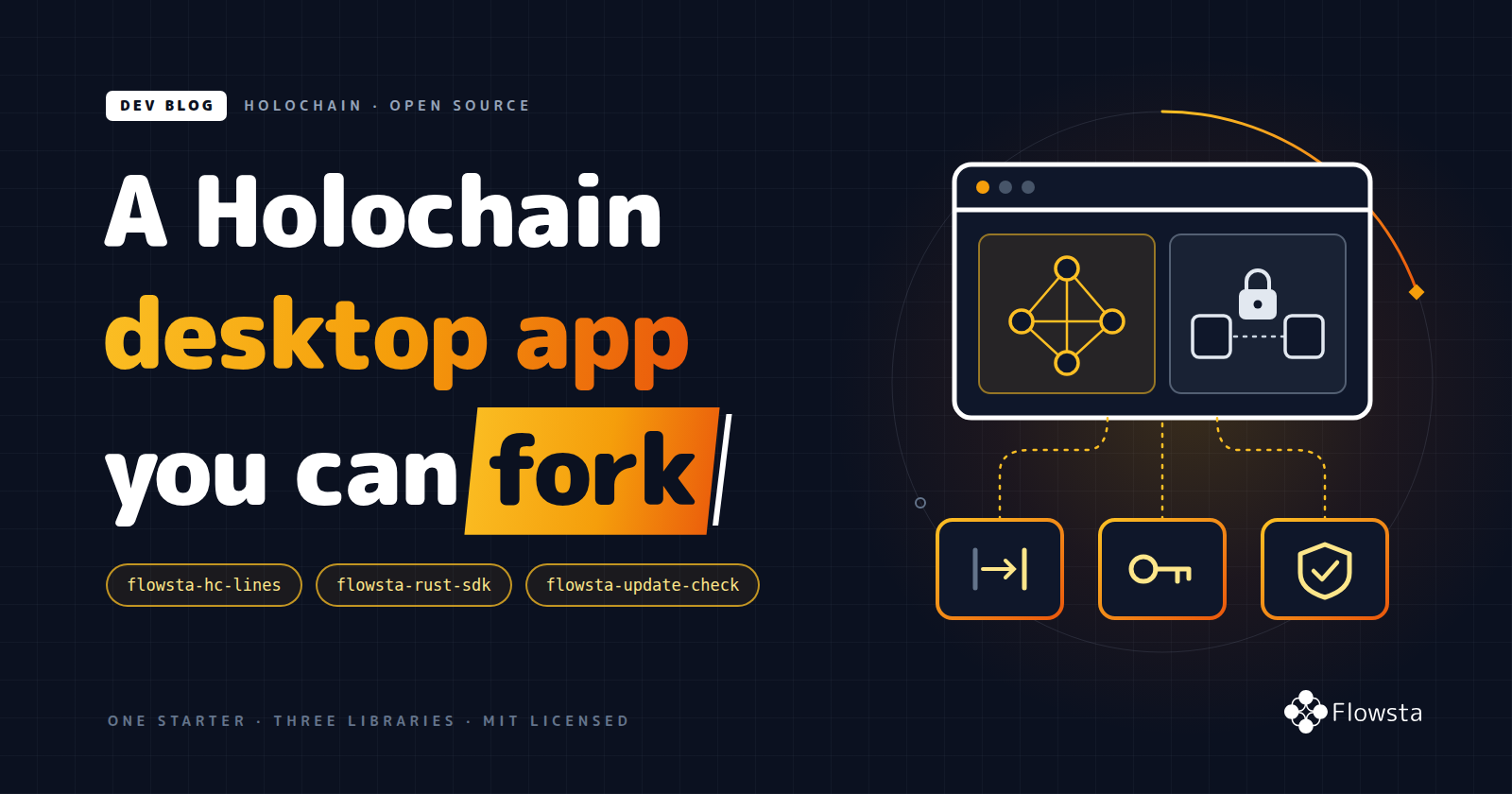
A desktop app on Holochain has a lot to do before its first feature. It has to start a conductor and a key store and stop them again. It has to sign people in, keep their data on their own devices, back it up, and bring it back on a new computer. It has to update itself safely. And one day it has to carry everyone's data across to a new version of Holochain.
We have done all of that in our own apps, Flowsta Vault and ProofPoll. With Flowsta Vault 1.8.0 we moved that work out of the apps and into open source libraries, and built a starter app on top of them.
This post introduces the four pieces. Later posts in this series go deeper on each one.
The four pieces
| What it does | Use it when | |
|---|---|---|
| Holochain Desktop Starter | A complete desktop app on Holochain, with everything below already wired in | You are starting a new app |
| flowsta-hc-lines | Runs Holochain inside a desktop app, and moves people's data when Holochain changes version | Your app ships its own conductor |
| flowsta-rust-sdk | Talks to the person's Flowsta Vault from Rust: sign-in, device keys, profiles, private networks | Your app has a Rust side and signs people in with Flowsta |
| flowsta-update-check | Checks that a release was approved by its developer before the app installs it | Your desktop app updates itself, on Holochain or not |
All four are MIT licensed. The Starter uses the other three, and each of the three works without the others.
Holochain Desktop Starter: start here
The Starter is the quickest way we know to build a Holochain desktop app. You fork it, rename it with one command, and change the record it stores.
The example on top is deliberately tiny. It is a notes app with one page and two tabs, and each tab is its own DNA, so you see the two shapes most apps need side by side:
- The board is public data on one network shared by everyone running the app. Every peer holds it, and the network's rules check who wrote each note.
- My notes is private data on a network that only one person's own devices ever join. Nobody else holds it.
Around those two tabs, the app already does the parts that take the longest to get right:
- It starts and looks after its own conductor and key store, and leaves nothing running after a crash.
- It signs people in with Flowsta, and gives each identity its own profile.
- It backs both kinds of notes up to the person's Flowsta Vault, restores them on a new device, and works across their devices.
- It updates itself, and installs only a release your own identity signed.
- It comes with tests for each of those, including a hostile coordinator zome that tries to delete and rewrite other people's notes and expects every attempt to be refused.
It is built with Tauri 2, Rust, Qwik and Holochain 0.7.1. To try it:
npm install
scripts/fetch-holochain.sh
npm run tauri dev
And to make it yours:
node scripts/rename-app.mjs --name "My App" --identifier org.example.myapp --slug myapp --repo you/my-app
Out of the box it runs against the public Holochain test servers, so there is no server to set up while you build. Before you release, you run your own bootstrap server and an always-on node. The Starter's SERVERS.md has the recipe.
Where ProofPoll fits now
Until now we pointed developers at ProofPoll as the app to fork. It is still a great open source app to learn from. But as it grew features around voting, and a history of five DNA versions across two Holochain versions, it became more than a new app should start with.
So the two now have different jobs. Fork the Starter to begin a new app, with a public DNA and a private one and no history to remove. Read ProofPoll to see a real app that has carried people's records across DNA changes and a Holochain upgrade.
flowsta-hc-lines: Holochain inside your app
Every Holochain desktop app has to solve the same problems around its conductor, and they are easy to get subtly wrong. This library holds our answers:
- It starts a conductor and a key store, watches them, and stops them cleanly at quit.
- It ends any conductor a crashed run left behind, so the next launch does not find its port taken.
- It starts with no network, and keeps a device listed for its peers after a dropped connection.
- It brings a stopped conductor back, and restarts one that holds too much memory at a quiet moment.
- When Holochain moves to a new version that breaks the network and the data format (0.6 to 0.7, for example), it runs both side by side and copies the person's own records from the old one to the new one. Nobody has to act by a date.
It is a plain Rust library, not a Tauri plugin, and it has nothing to do with identity. An app with no Flowsta sign-in can use it.
[dependencies]
flowsta-hc-lines = { git = "https://github.com/WeAreFlowsta/flowsta-hc-lines", rev = "<commit>", default-features = false, features = ["line-07"] }
How-tos: docs.flowsta.com/sdk/hc-lines.
flowsta-rust-sdk: the Vault from Rust
The JavaScript SDK has been on npm for a while. @flowsta/holochain runs in your app's page, where the person approves a sign-in, and @flowsta/auth is for web apps.
The Rust SDK is the other half, for the process behind the page. Its crate, flowsta-vault-client:
- Finds the person's Flowsta Vault and says which app each call is from.
- Keeps the sign-in on the device, so everyday writes work with the Vault locked or closed.
- Keeps your app's device key where a Vault backup can carry it, so the same person carries on from a new computer.
- Keeps one profile per identity, so two people on one computer never share keys or data.
- Asks the Vault for a secret that is the same on every one of the person's devices and different for every person and every app. Use it as a DNA's network seed and each person gets a private network of their own. That is how the Starter's "My notes" tab works.
It has no UI framework and no Holochain crates in its dependencies.
How-tos: docs.flowsta.com/sdk/vault-client, and The Rust side for which parts are required and which are optional.
flowsta-update-check: updates only you can approve
An updater that trusts whatever is at an address can be made to install anything by whoever controls the address, the build machine, or the key on it. A signed release adds one more check and puts it in your hands.
You write a manifest that names every file in a release with its size and hash. You approve it in your own Flowsta Vault, which signs it. Your app has your signer identity compiled in, and before it installs anything it refuses a manifest that is signed by anyone else, made for another app or another channel, or older than what it already has.
The check is local math. It needs no server and no other app running, and it does not care how the manifest or the files reach the app. It sits beside your updater's own signature. Tauri's key proves a file came out of your build. Your signature on the manifest proves a person meant to publish it.
use flowsta_update_check::{check, check_file, Installed, Trust};

const SIGNERS: &[&str] = &["did:flowsta:uhCAk..."];

let release = check(
    &manifest_bytes,
    &Trust { app: "com.example.app", channel: "stable", signers: SIGNERS },
    &Installed { version: env!("CARGO_PKG_VERSION"), last_sequence, rollout_ticket },
)?;
It works for any desktop app that updates itself, whether or not it runs Holochain.
How-to: Signed Releases.
How they fit together
In the Starter, each piece has one job:
| Part of the app | Does | Built on |
|---|---|---|
| The page | Asks the Vault to sign the person in, posts and reads backups | @flowsta/holochain |
| The Rust process | Checks who is signed in before a write, keeps keys and profiles | flowsta-vault-client |
| The conductor and key store | Started, watched, restarted and stopped | flowsta-hc-lines |
| The updater | Installs only a release you signed | flowsta-update-check |
You can take one piece and leave the rest. If you only want your conductor handled, use flowsta-hc-lines. If you only want safer updates, use flowsta-update-check. If you want all of it working on day one, fork the Starter.
What to know before you build on them
- The libraries are before 1.0. Their interfaces still change. Depend on them from git and pin a commit, as the Starter does.
- They run in released apps. Flowsta Vault 1.8.0 and ProofPoll 0.6.0 are built on them, on Windows, macOS and Linux.
- The reasons are written down. The Starter's WHAT_WE_LEARNED.md says, for each thing the template does, what Holochain does that made it necessary and where the code is. Read it before you remove anything.
Coming up in this series
- Running Holochain inside a desktop app with
flowsta-hc-lines. - Sign-in, device keys and a private network per person with the Flowsta SDKs.
- Signed releases, from the manifest to the check.
- Moving people's data when your DNA or Holochain itself changes, with ProofPoll as the worked example.
Try it
Fork the Holochain Desktop Starter, install Flowsta Vault, and run the three commands above. Register your app here at dev.flowsta.com when you are ready to give it its own name.
If you build something with it, or get stuck, tell us on Discord.